How Does the Internet Work? A Beginner’s Complete Guide
Have you ever wondered what actually happens when you type a website address into your browser and press Enter? Within a few seconds, the webpage appears on your screen as if by magic. You can watch videos, send emails, chat with friends across the world, or download files almost instantly. While it may seem effortless, an incredible amount of technology works together behind the scenes to make this possible.
The Internet is one of the greatest inventions in human history, yet many people use it every day without understanding how it actually works. The good news is that you don’t need to be a computer engineer to understand the basics. Once you learn the simple concepts, the Internet becomes much easier to understand.
In this guide, we’ll explain how the Internet works step by step using simple language and real-world examples.
What Is the Internet?
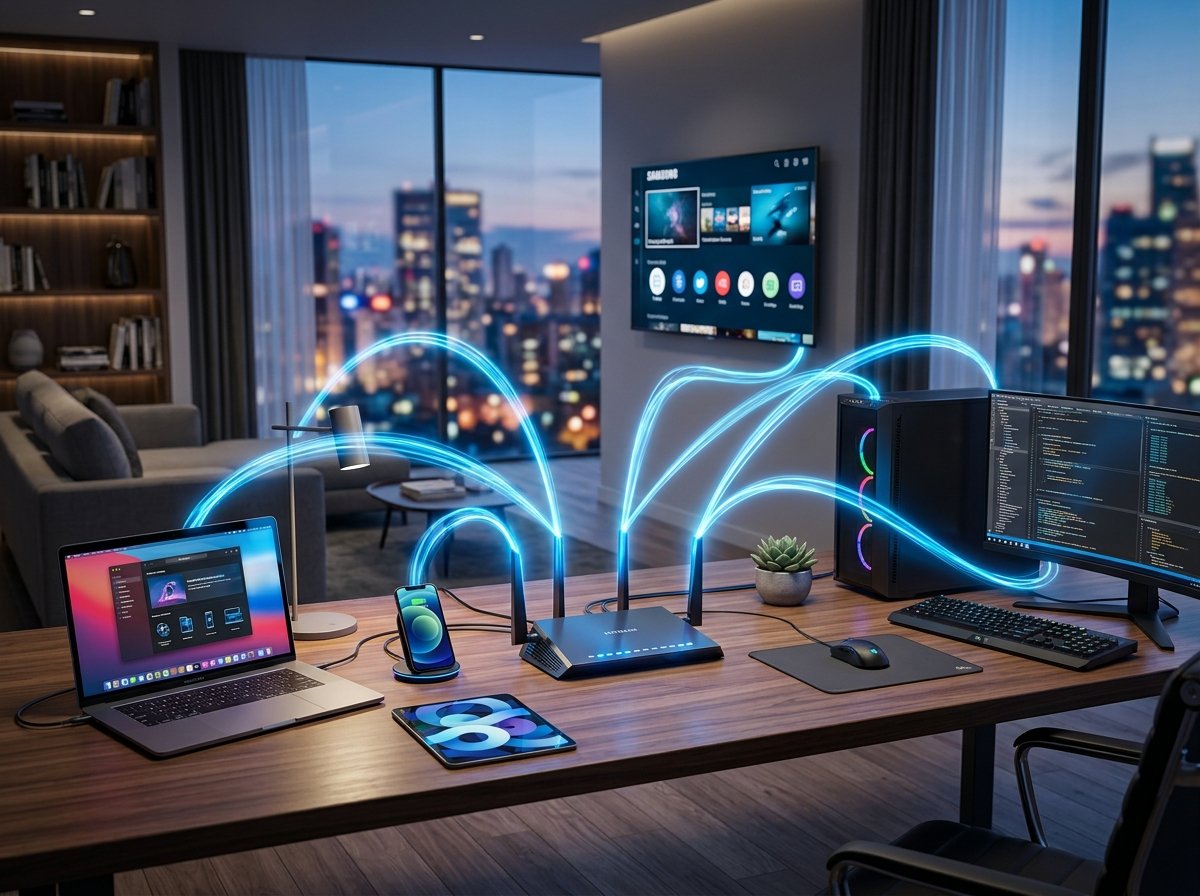
The Internet is a worldwide network of billions of connected devices. These devices include computers, smartphones, tablets, servers, smart TVs, gaming consoles, security cameras, and even smart home appliances.
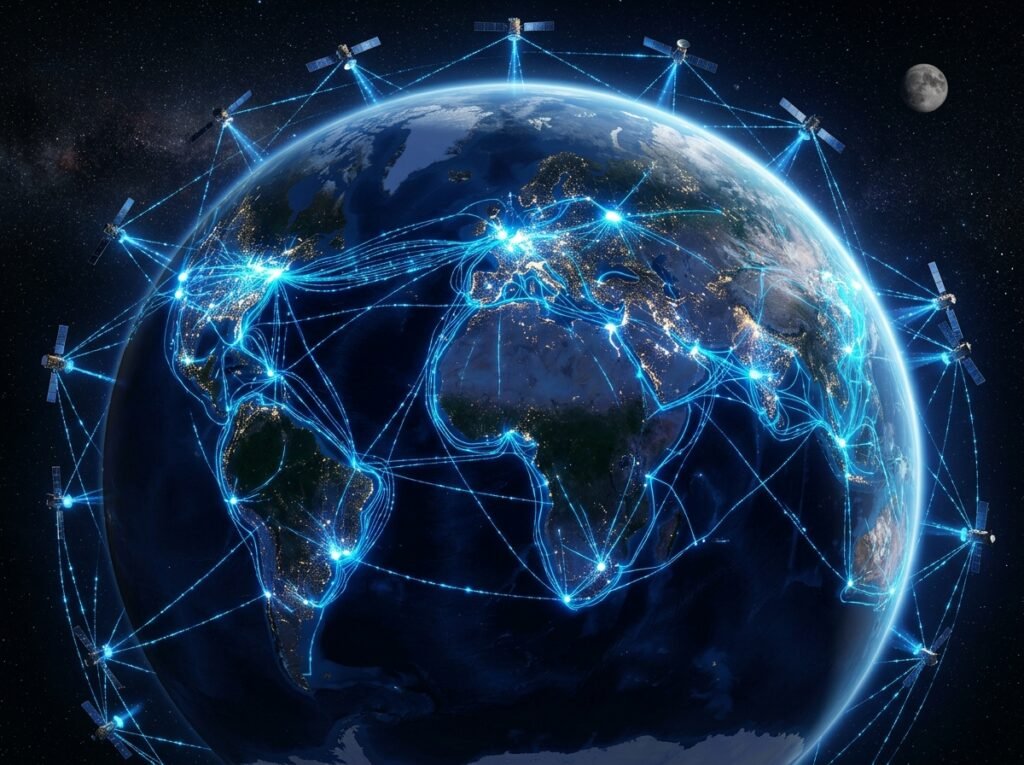
Every connected device has one job: to send and receive information. This information travels through fiber optic cables, wireless networks, satellites, and mobile towers using internationally accepted communication rules known as Internet Protocols.
You can think of the Internet as a massive transportation system. Instead of cars moving on roads, data moves through digital pathways connecting every corner of the world.
How Do Devices Connect to the Internet?
Before your device can access the Internet, it must first connect to an Internet Service Provider (ISP). Companies such as PTCL, StormFiber, Nayatel, Transworld, and mobile operators provide Internet access to homes and businesses.
Once connected through Wi-Fi, Ethernet, or a mobile network, your device becomes part of the global Internet.
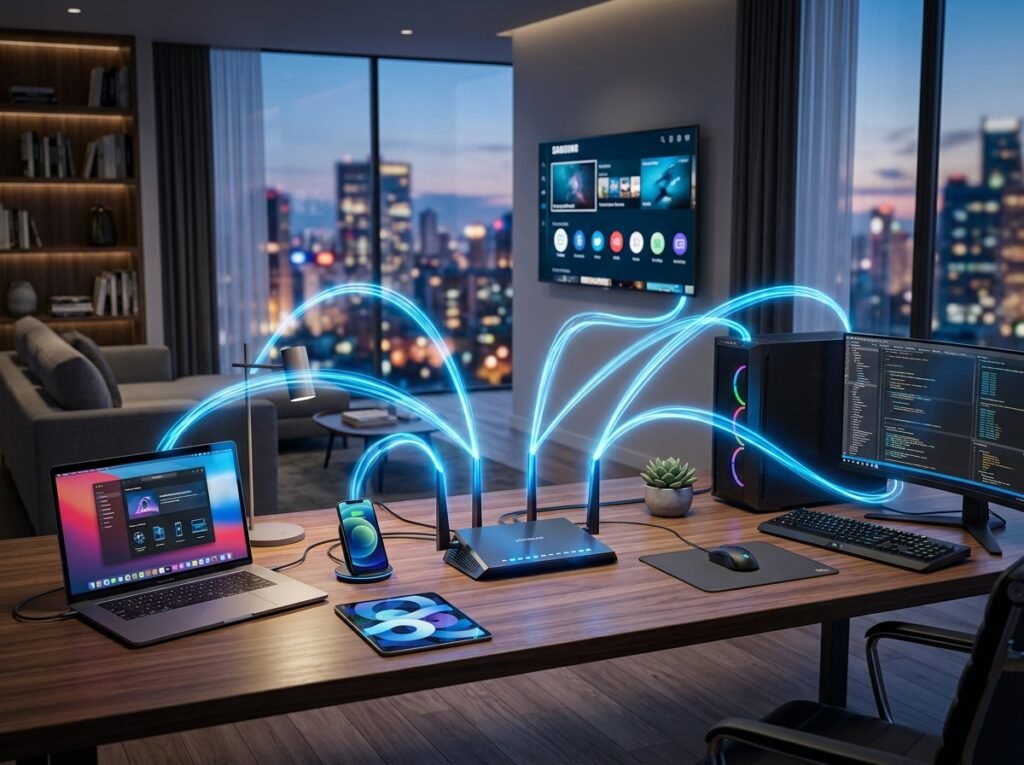
Your router acts like the main gateway between your home devices and your Internet provider. Every phone, laptop, or smart TV inside your house communicates with the router first before reaching the wider Internet.
Every Device Has an IP Address
Every device connected to the Internet receives a unique identification number known as an IP Address.
Just as every house has its own postal address, every Internet-connected device has its own digital address.
This allows information to know exactly where it should be delivered.
- Your phone has an IP address.
- Your laptop has an IP address.
- Google’s servers have IP addresses.
- Facebook’s servers have IP addresses.
Without IP addresses, the Internet would have no idea where data should travel.
What Happens When You Open a Website?
Let’s imagine you type www.example.com into your browser.
Several things happen within milliseconds.
- Your browser checks whether it already knows the website’s address.
- If not, it asks a DNS server to find the correct IP address.
- DNS returns the website’s IP address.
- Your browser sends a request to the web server.
- The server prepares the webpage.
- The webpage is sent back to your browser.
- Your browser displays everything on your screen.
All of this usually happens in less than two seconds.
What Is DNS?
DNS stands for Domain Name System. It works like the Internet’s phone book.
Humans prefer easy names like Google.com or Wikipedia.org, but computers communicate using IP addresses.
DNS translates human-friendly domain names into machine-readable IP addresses.
Without DNS, you would need to remember long numbers every time you wanted to visit a website.
How Data Travels Across the Internet
When you send a message or open a website, the information isn’t sent as one giant file.
Instead, it is divided into thousands of tiny pieces called packets.
Each packet contains:
- The sender’s address
- The destination address
- A portion of the actual data
- Instructions for reassembling the information
These packets may travel through completely different routes before arriving at their destination, where they are automatically reassembled into the original webpage, video, or message.
What Are Servers?
A server is a powerful computer designed to store websites, applications, databases, and files.
Whenever you visit a website, your browser sends a request to the server where that website is hosted.
The server processes the request and sends the required information back to your device.
Popular companies like Google, Amazon, Microsoft, and Meta operate millions of servers inside highly secure data centers around the world.
Why Is Fiber Optic Internet So Fast?
Modern Internet connections rely heavily on fiber optic cables.
Unlike traditional copper wires, fiber optic cables transmit information using pulses of light.
Because light travels incredibly fast, fiber networks can transfer enormous amounts of data with very little delay.
This is why fiber Internet offers faster downloads, smoother video streaming, and lower gaming latency.
What Happens When You Watch a YouTube Video?
When you press the Play button on YouTube, the video is not downloaded all at once.
Instead, small pieces of the video arrive continuously while you’re watching.
This process is called streaming.
If your Internet connection slows down, fewer video packets arrive, causing buffering until enough data has been received.
How Is the Internet Kept Secure?
Every day, billions of cyberattacks are blocked by security systems protecting the Internet.
Several technologies work together to keep your information safe:
- Encryption
- HTTPS
- Firewalls
- Antivirus software
- Multi-factor authentication
- Secure data centers
These technologies help protect passwords, financial information, emails, and personal data from unauthorized access.
Conclusion
The Internet may seem incredibly complex, but its basic idea is surprisingly simple. Devices connect through Internet providers, communicate using IP addresses, locate websites through DNS, exchange information in small packets, and receive data from servers located around the world.
Every search, message, video, online purchase, and social media post depends on this remarkable system working together in perfect harmony. Understanding these fundamentals not only makes technology less mysterious but also helps you become a more informed and confident Internet user.
Frequently Asked Questions
What is the Internet in simple words?
The Internet is a global network that allows billions of devices to communicate and share information.
What is an IP Address?
An IP Address is a unique digital address assigned to every device connected to the Internet.
What does DNS do?
DNS converts website names into IP addresses so computers can locate websites quickly.
What is a server?
A server is a computer that stores websites, applications, and data, delivering them whenever users request them.
Why is fiber Internet faster?
Fiber optic cables transmit information using light instead of electricity, allowing much faster data transfer speeds.