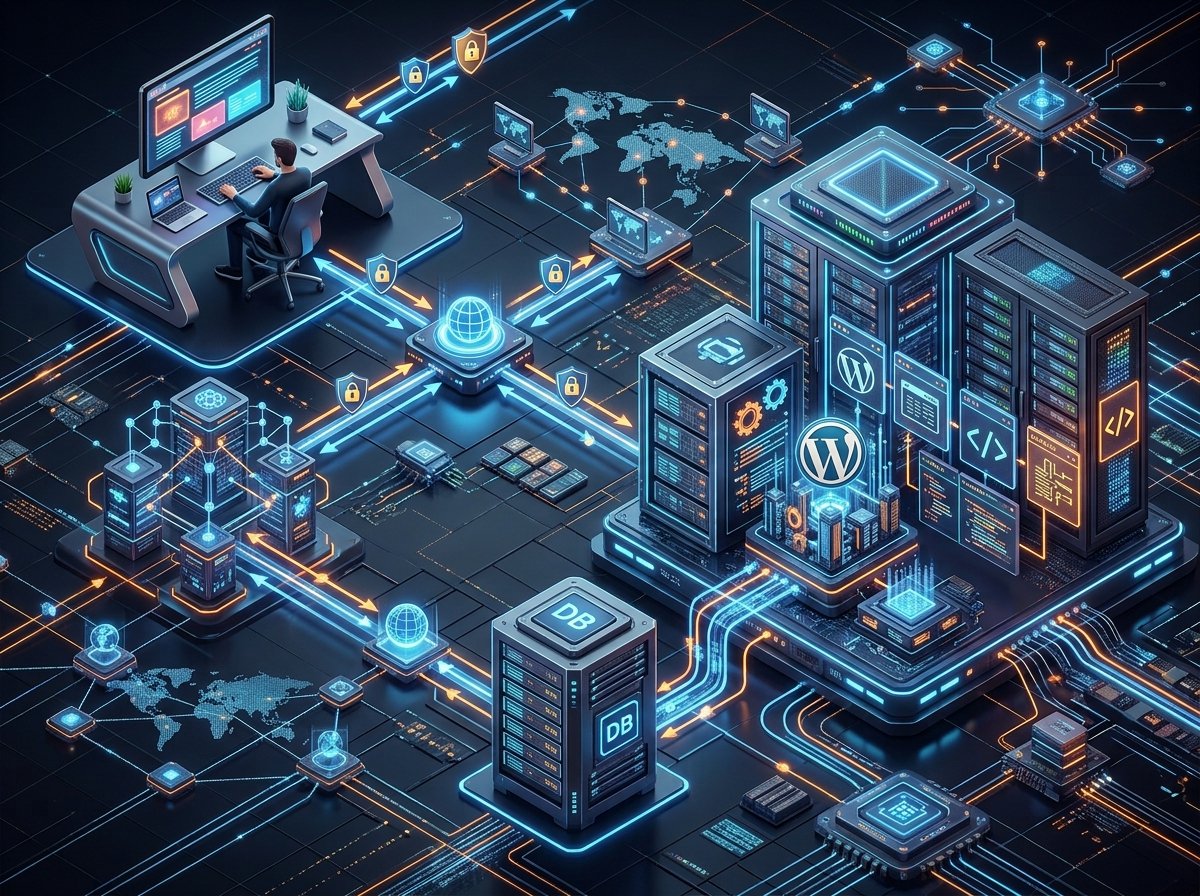
How Do Websites Work? From Domain Name to Web Browser
Every day, billions of people visit websites without thinking about what actually happens behind the scenes. You open your browser, type a website address like nexowix.online, press Enter, and within a few seconds the entire website appears on your screen. It feels almost magical, but in reality, dozens of technologies work together to make that happen.
From domain names and DNS servers to web hosting, web servers, HTML, CSS, JavaScript, and web browsers, every component plays an important role in delivering a webpage to your device. Understanding this process not only helps you appreciate modern technology but also builds a strong foundation for learning web development, networking, cybersecurity, and cloud computing.
In this beginner-friendly guide, we’ll follow the complete journey of a website—from the moment you type its domain name until the webpage appears on your screen.
What Is a Website?
A website is a collection of interconnected web pages stored on a computer called a web server. These pages contain text, images, videos, buttons, forms, animations, and many other digital elements that users can access through the Internet.
Every website is created for a specific purpose. Some websites provide educational content, while others focus on shopping, entertainment, banking, communication, or business services.
For example:
- Google helps users search for information.
- YouTube allows people to watch and upload videos.
- Wikipedia provides educational articles.
- Nexowix explains technology in simple language.
Although websites look different, they all follow a similar process before appearing inside your browser.
Step 1: You Type a Domain Name
Everything begins when you type a domain name into your browser.
For example:
https://nexowix.online
A domain name is simply the human-friendly address of a website. It is much easier to remember “nexowix.online” than a long series of numbers.
Without domain names, every website would have to be accessed using its IP address, making the Internet difficult for everyday users.
You can think of a domain name as the street address of a house. It tells your browser exactly where it needs to go.
Step 2: DNS Finds the Website
After you press Enter, your browser doesn’t immediately know where the website is located. It first contacts a service called the Domain Name System (DNS).
DNS works like the Internet’s phone book.
Its job is to translate human-readable domain names into numerical IP addresses that computers understand.
For example:
nexowix.online
        ↓
192.xxx.xxx.xxx
This entire lookup process usually takes only a few milliseconds.
Step 3: Your Browser Contacts the Web Server
Once the browser receives the website’s IP address, it knows exactly where to send its request.
The browser sends an HTTP or HTTPS request to the web server hosting the website.
This request simply says:
“Please send me the homepage of this website.”
The web server receives this request and immediately begins preparing the files required to display the webpage.

What Is a Web Server?
A web server is a powerful computer that stores website files and delivers them whenever someone visits the website.
Unlike personal computers, web servers remain connected to the Internet twenty-four hours a day, seven days a week.
Some of the world’s largest companies operate millions of web servers inside highly secure data centers.
Popular web server software includes:
- Apache
- Nginx
- LiteSpeed
- Microsoft IIS
Whenever someone visits your website, the server quickly sends the requested files back to the visitor’s browser.
What Is Web Hosting?
Every website needs a place where its files can be stored.
This service is called Web Hosting.
Hosting companies provide powerful servers that keep websites online around the clock.
Without web hosting, your website would simply not exist on the Internet.
Popular hosting types include:
- Shared Hosting
- VPS Hosting
- Cloud Hosting
- Dedicated Servers
- Managed WordPress Hosting
Choosing the right hosting depends on your website’s traffic, budget, and performance requirements.
Step 4: The Server Sends Website Files
After receiving your request, the web server gathers all the necessary files needed to build the webpage.
These files usually include:
- HTML files
- CSS stylesheets
- JavaScript files
- Images
- Videos
- Fonts
- Icons
Instead of sending one large file, the server sends multiple resources that your browser combines into the finished webpage.
What Is HTML?
HTML (HyperText Markup Language) is the foundation of every website.
It defines the structure of a webpage by telling the browser where headings, paragraphs, images, buttons, links, tables, and forms should appear.
You can think of HTML as the skeleton of a building. Without it, a webpage would have no structure.
What Is CSS?
CSS (Cascading Style Sheets) controls the visual appearance of a website.
It determines colors, fonts, layouts, spacing, animations, and responsive design.
If HTML builds the structure of a house, CSS is responsible for painting the walls, decorating the rooms, and making everything visually attractive.
What Is JavaScript?
JavaScript makes websites interactive.
Features such as image sliders, live search, dark mode, dropdown menus, online calculators, chat systems, shopping carts, and interactive forms all rely on JavaScript.
Without JavaScript, modern websites would feel static and much less engaging.
Step 5: Your Browser Builds the Webpage
After downloading all the necessary files, your web browser begins assembling the webpage. This process is known as Rendering.
The browser first reads the HTML document to understand the page structure. It then applies CSS to style every element and finally executes JavaScript to make the page interactive.
Within just a fraction of a second, thousands of lines of code are transformed into the webpage you see on your screen.
This entire process happens automatically every time you visit a website.
What Happens If a Website Is Slow?
Sometimes a website takes several seconds to load. This usually happens because one or more components require extra time.
Common reasons include:
- Large image files
- Slow web hosting
- Too many plugins
- Poorly written code
- Heavy JavaScript files
- High server traffic
- No caching system
Website speed is extremely important because visitors expect pages to load quickly. Even a delay of a few seconds can cause users to leave the website.
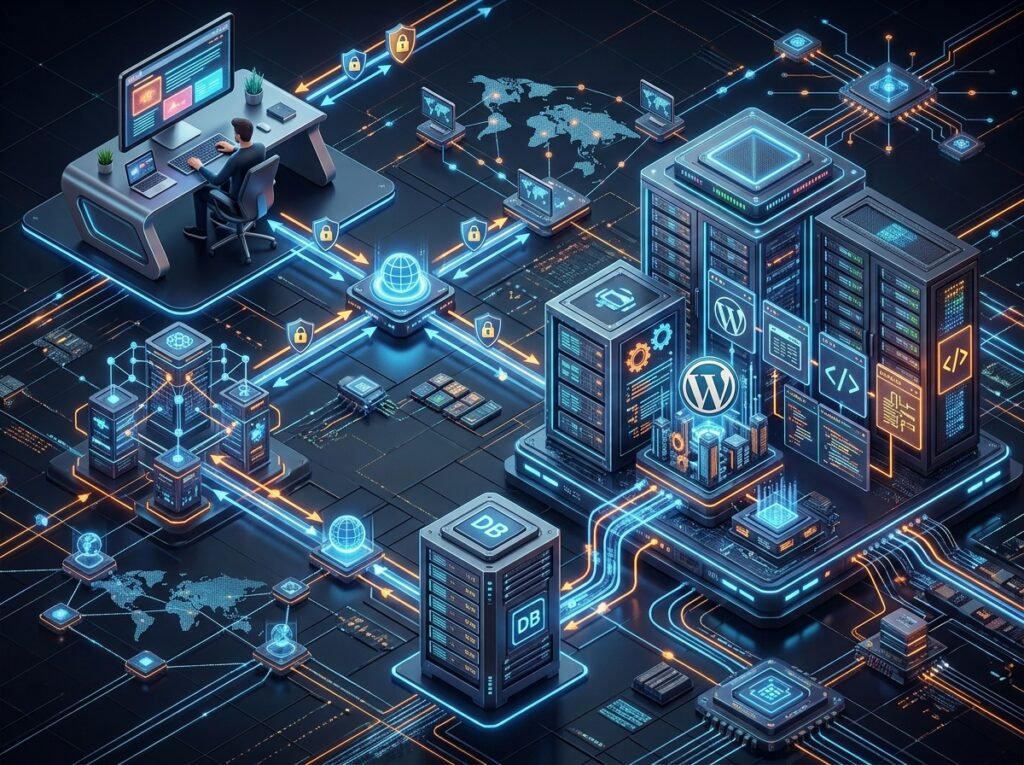
What Is HTTPS?
When you visit most modern websites, you’ll notice a small padlock icon next to the website address.
This indicates that the website is using HTTPS (HyperText Transfer Protocol Secure).
HTTPS encrypts the communication between your browser and the website, making it difficult for attackers to intercept sensitive information such as passwords, payment details, and personal data.
Without HTTPS, information could potentially be viewed by unauthorized parties while traveling across the Internet.
What Is an SSL Certificate?
An SSL Certificate is a digital certificate installed on a website to enable HTTPS.
Its main purpose is to:
- Encrypt data transmission.
- Verify the website’s identity.
- Protect visitor information.
- Increase user trust.
- Improve search engine rankings.
Today, almost every professional website uses an SSL certificate because security has become a basic requirement rather than an optional feature.
What Is Browser Cache?
Imagine visiting the same website every day. If your browser downloaded every image, logo, font, and stylesheet from scratch each time, browsing would be much slower.
To solve this problem, browsers use something called Cache.
Cache stores frequently used website files on your device. The next time you visit the same website, many of those files can be loaded directly from your computer instead of downloading them again.
This makes websites load much faster and reduces Internet usage.
What Are Cookies?
Cookies are tiny text files that websites save inside your browser.
They help websites remember useful information such as:
- Your login session.
- Language preference.
- Shopping cart items.
- Theme settings.
- User preferences.
Without cookies, you would have to log in again every time you visited most websites.
What Is a CDN?
CDN stands for Content Delivery Network.
A CDN stores copies of website files on multiple servers located around the world.
When someone visits your website, the CDN delivers content from the server closest to that visitor.
This reduces loading time and improves website performance for international users.
Popular CDN providers include:
- Cloudflare
- Amazon CloudFront
- Fastly
- Bunny CDN
Static vs Dynamic Websites
Not every website works the same way.
Static Websites
Static websites display the same content to every visitor. They are simple, fast, and suitable for portfolios, company profiles, and landing pages.
Dynamic Websites
Dynamic websites generate content based on user interaction.
Examples include:
- YouTube
- Amazon
- WordPress blogs
- Online banking portals
These websites use databases and server-side programming languages to generate pages dynamically.
How Does WordPress Build a Website?
WordPress is the world’s most popular Content Management System (CMS). Instead of manually writing every webpage in HTML, WordPress stores content inside a database and generates webpages whenever a visitor opens them.
When someone visits your WordPress website, the server performs several tasks:
- Receives the visitor’s request.
- Loads WordPress core files.
- Retrieves content from the database.
- Applies the active theme.
- Loads plugins if needed.
- Generates the final HTML page.
- Sends the completed webpage to the browser.
This entire process usually takes less than one second on a well-optimized website.
Why Understanding Website Architecture Matters
Learning how websites work is valuable for everyone—not just developers.
Business owners can make better decisions about hosting and security. Bloggers can improve website speed and SEO. Students gain a strong foundation for learning web development, cybersecurity, and networking. Even everyday Internet users become more confident when they understand what happens behind the scenes.
The more you understand website architecture, the easier it becomes to troubleshoot problems, improve performance, and create better online experiences.
Conclusion
Every website you visit goes through an amazing journey before appearing on your screen. It begins with a domain name, continues through DNS, reaches a web server, downloads HTML, CSS, JavaScript, images, and other resources, and is finally rendered by your browser into the webpage you see.
Although this process happens in just a few seconds, it involves countless technologies working together perfectly. Understanding these technologies provides a solid foundation for exploring web development, cloud computing, cybersecurity, networking, and many other areas of information technology.
Frequently Asked Questions (FAQs)
What is a domain name?
A domain name is the human-readable address of a website, such as nexowix.online, that helps users access websites without remembering IP addresses.
What is web hosting?
Web hosting is a service that stores website files on servers connected to the Internet so visitors can access them anytime.
What is the difference between HTML, CSS, and JavaScript?
- HTML creates the structure.
- CSS controls the design.
- JavaScript adds interactivity.
Why is HTTPS important?
HTTPS encrypts communication between your browser and the website, protecting personal information and improving security.
Why do websites use CDNs?
CDNs improve loading speed by delivering website content from servers located closer to visitors around the world.
Can a website work without a domain name?
Technically yes. A website can be accessed directly through its IP address, but domain names make websites much easier to remember and use.
Final Thoughts
Behind every modern website is an incredible combination of networking, servers, software, databases, and web technologies working together within seconds. Whether you’re browsing your favorite blog, shopping online, or managing your own WordPress website, understanding this process helps you appreciate how powerful and sophisticated today’s web has become.